Your 3D print timelapse deserves better.
No camera needed, just your G-code. 86 camera moves, any lighting, ready for Reels, TikTok and Shorts.
Better than a camera. Before you even print.
Drop in the G-code you already sliced, pick a look, export. No camera, no Blender, no account.Drop in the G-code you already sliced, pick a look, export. No camera, no account.
Same print, the usual wayand the Printkino way.
The usual wayMount a phone over the bed, sort out the light, and leave it alone for six hours.
Add the G-code you sent to the printer. STL and 3MF work too.
The usual wayLive with one fixed angle. Or learn Blender and keyframe the camera by hand.
Pick a camera move, then the filament colour, the bed and the lighting.
The usual wayCrop it, speed it up, export it. Or leave a render running overnight.
Download it tall for Reels and TikTok, square, or wide for YouTube.
This is the whole tool.
Everything happens on one screen, right in your browser.
Here is what you will do.
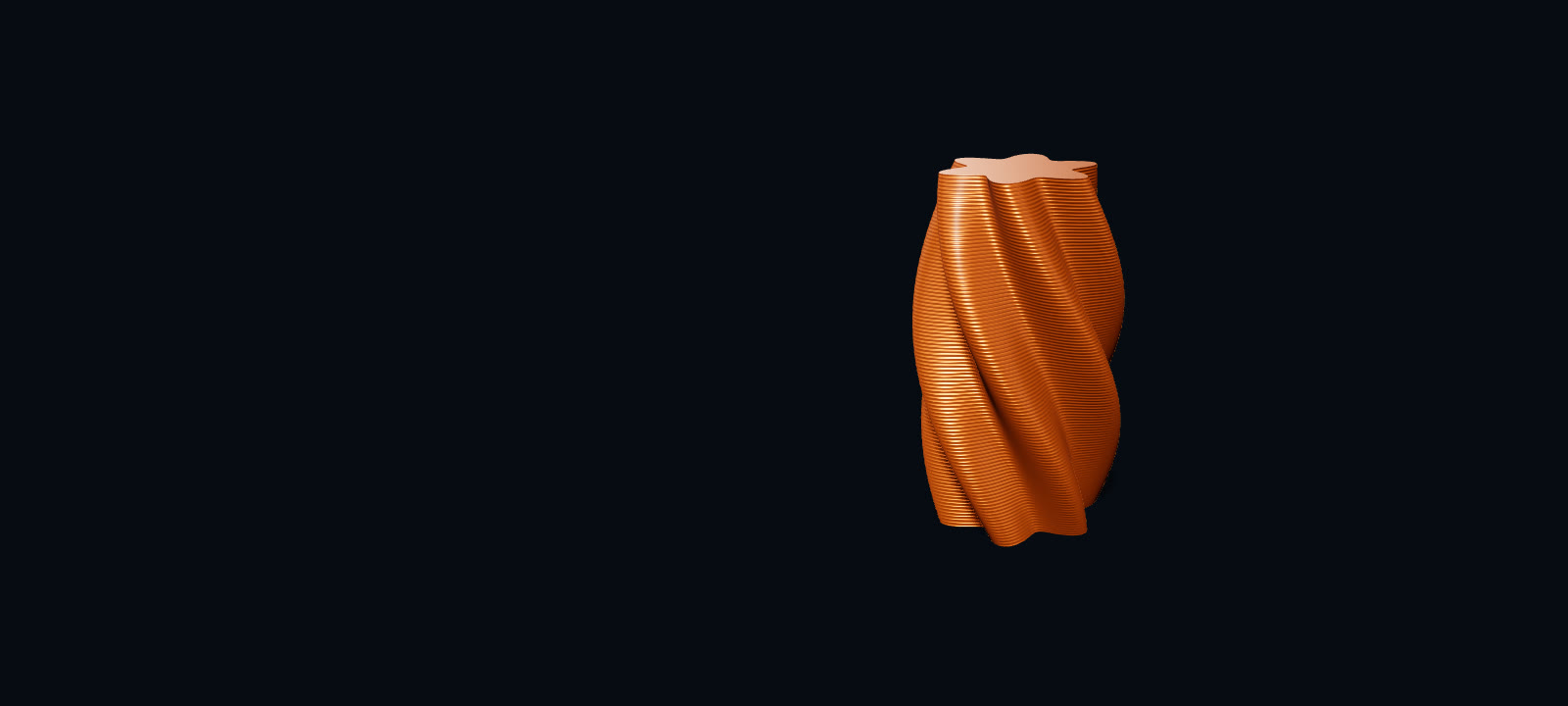
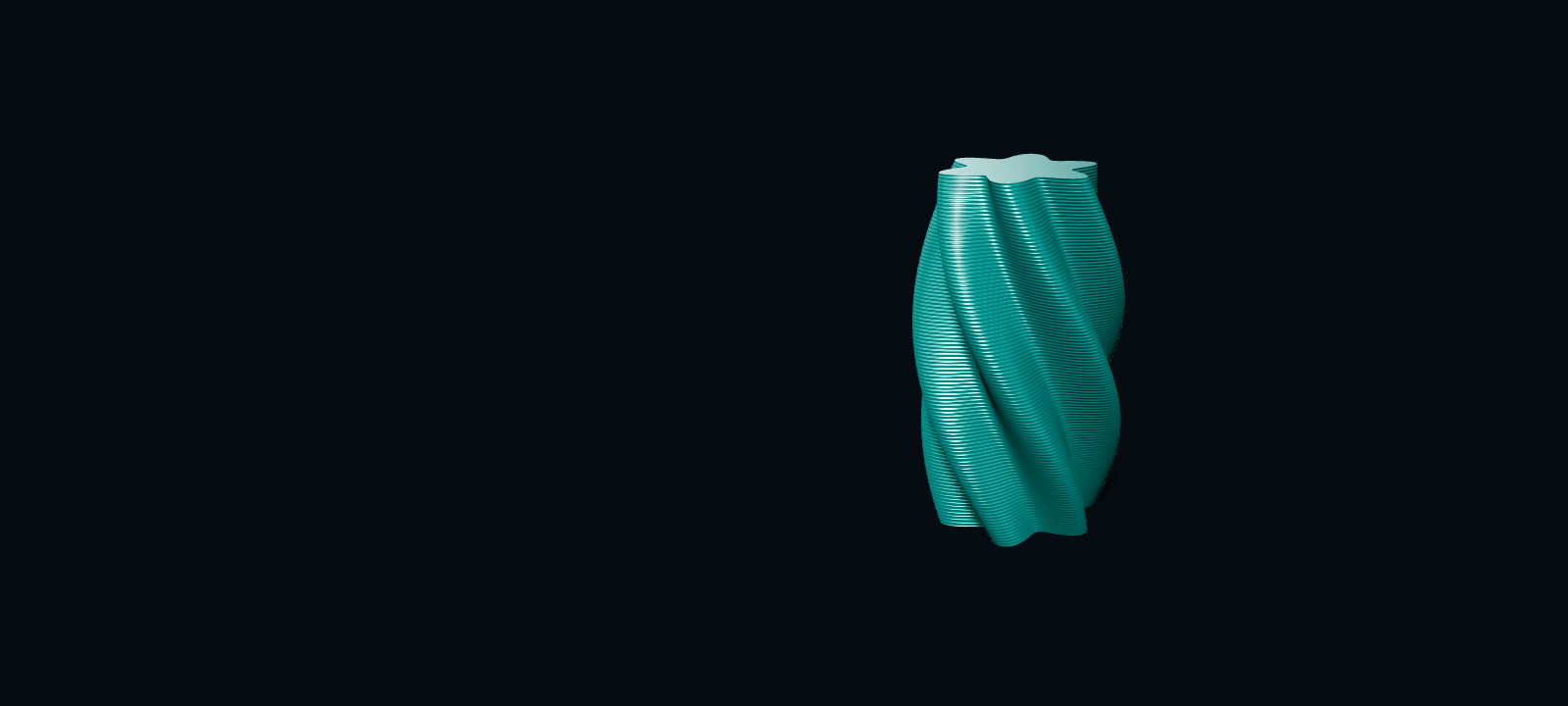
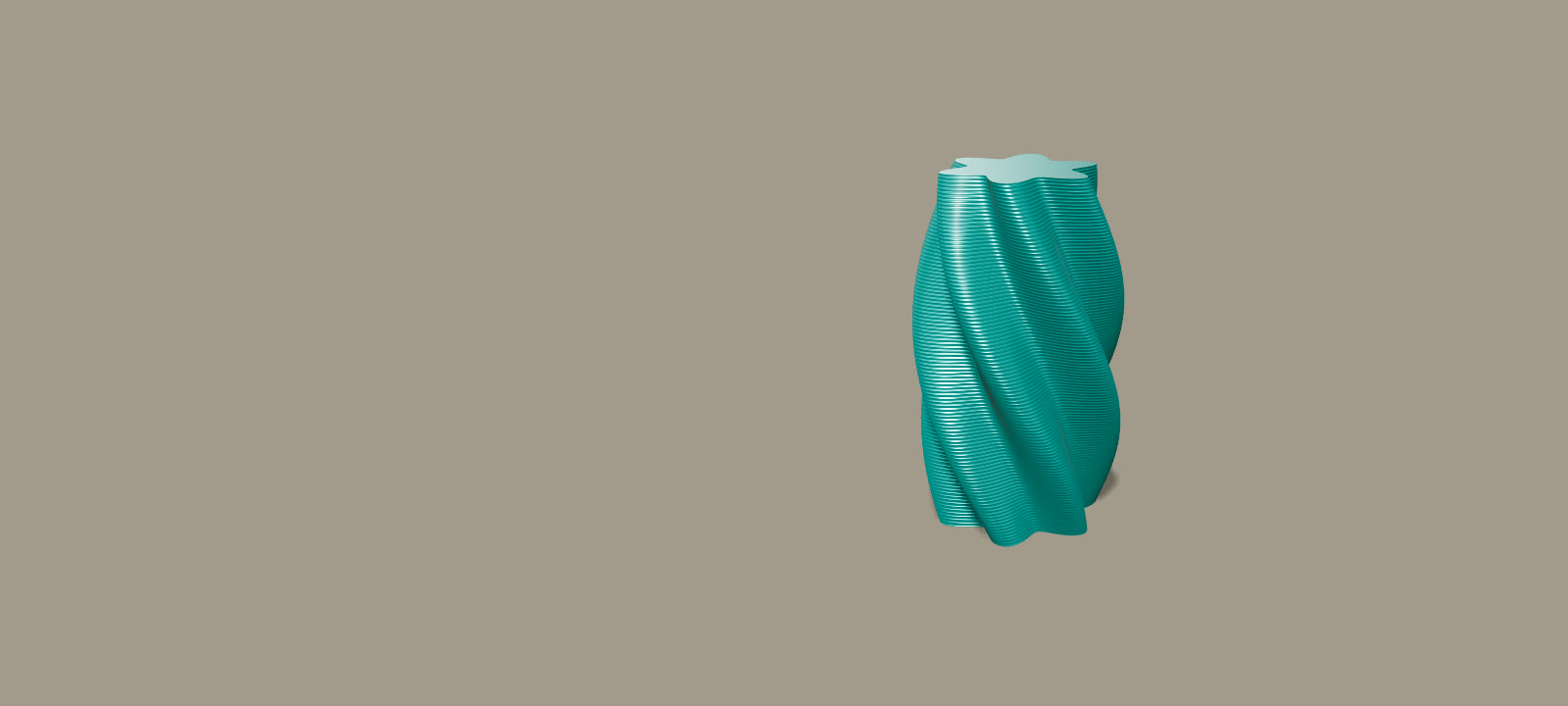
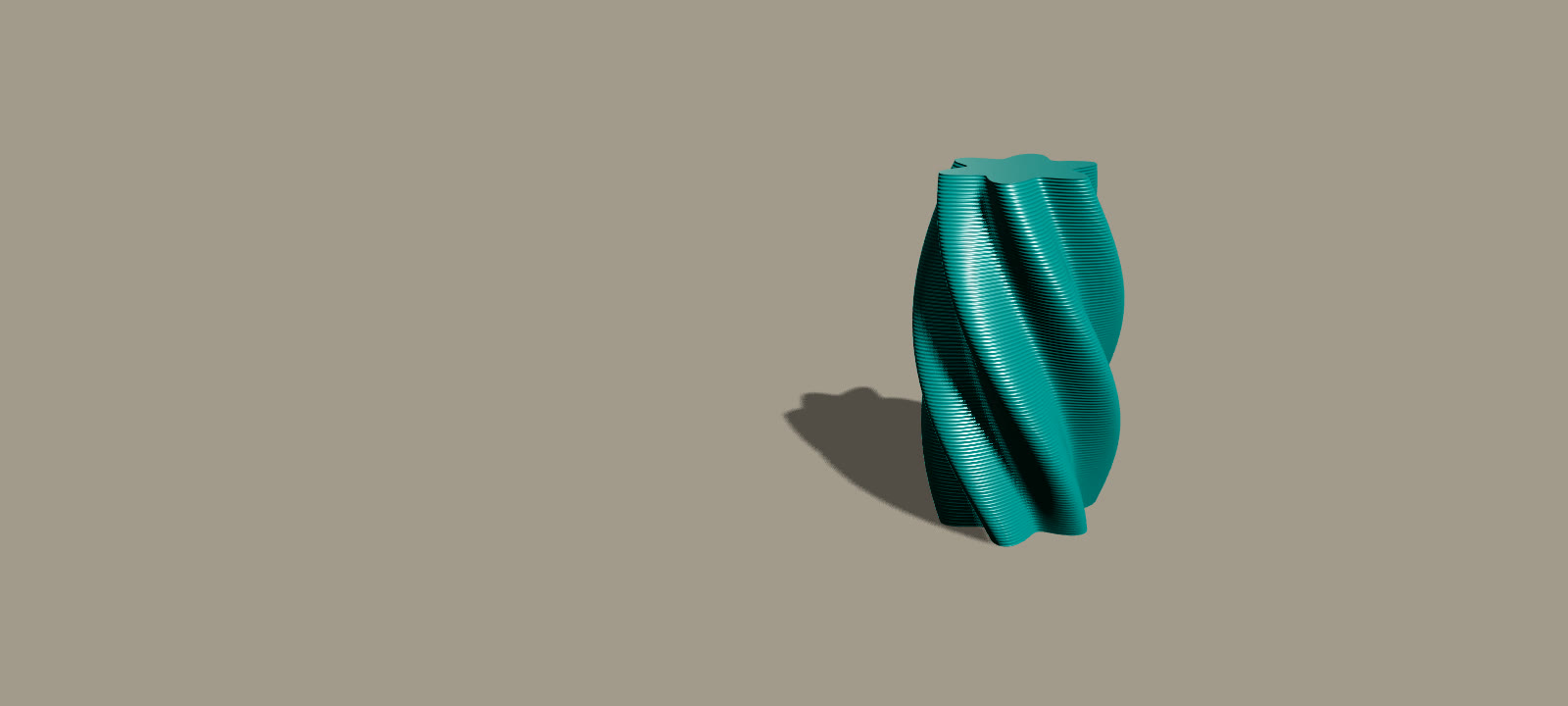 FilamentBackdropLightSoftDramatic
Set the scene
Filament, backdrop, light and bed. Change one and the video changes as you watch.
Pick a camera move
86 of them, many borrowed from films and music videos. No keyframes needed.
 TikTokInstagramYouTube
Fit any feed
Pick where it is going and the frame fits: tall, portrait or wide.
- Views 2Add viewStartEnd0s10s20s
Fine-tune the shot
Add a view where you want the camera, and it moves through it.
86 camera moves. Zero keyframes.
Borrowed from films and music videos you know. Pick one and the camera work is done.
- Vertigofrom Hitchcock's Vertigo
- Frozen Momentfrom The Matrix
- Mountain Passfrom The Lord of the Rings
- Sky Risefrom an OK Go video
- Fisheye Flexfrom 90s hip-hop videos
- Kung Fu Zoomfrom 70s kung-fu films
Is there a catch?
- Is it free?
- Yes. There is no account and nothing to install. Free exports may carry a small “Made with Printkino” mark and are limited in size and length.
- Is my file uploaded?
- No. Your file stays on your computer and the video is made in your browser.
- Do I need 3D software or a camera?
- No. You add the file you printed, pick a camera move and a look, and the video is made for you. There is no animation to learn and no camera or tripod to set up.
- Which files work?
- STL, 3MF and G-code (.stl, .3mf, .gcode, .gco, .g). G-code from your slicer gives the real layer-by-layer build; an STL or 3MF is built up layer by layer from the model.
- Does it work on a phone?
- Yes, you can make a video on a phone. The studio works best on a computer, in Chrome or Edge.
Make your next
trending video
Free, no account, nothing to install. It runs in your browser.
120+ makers have made one already.